Additional Users
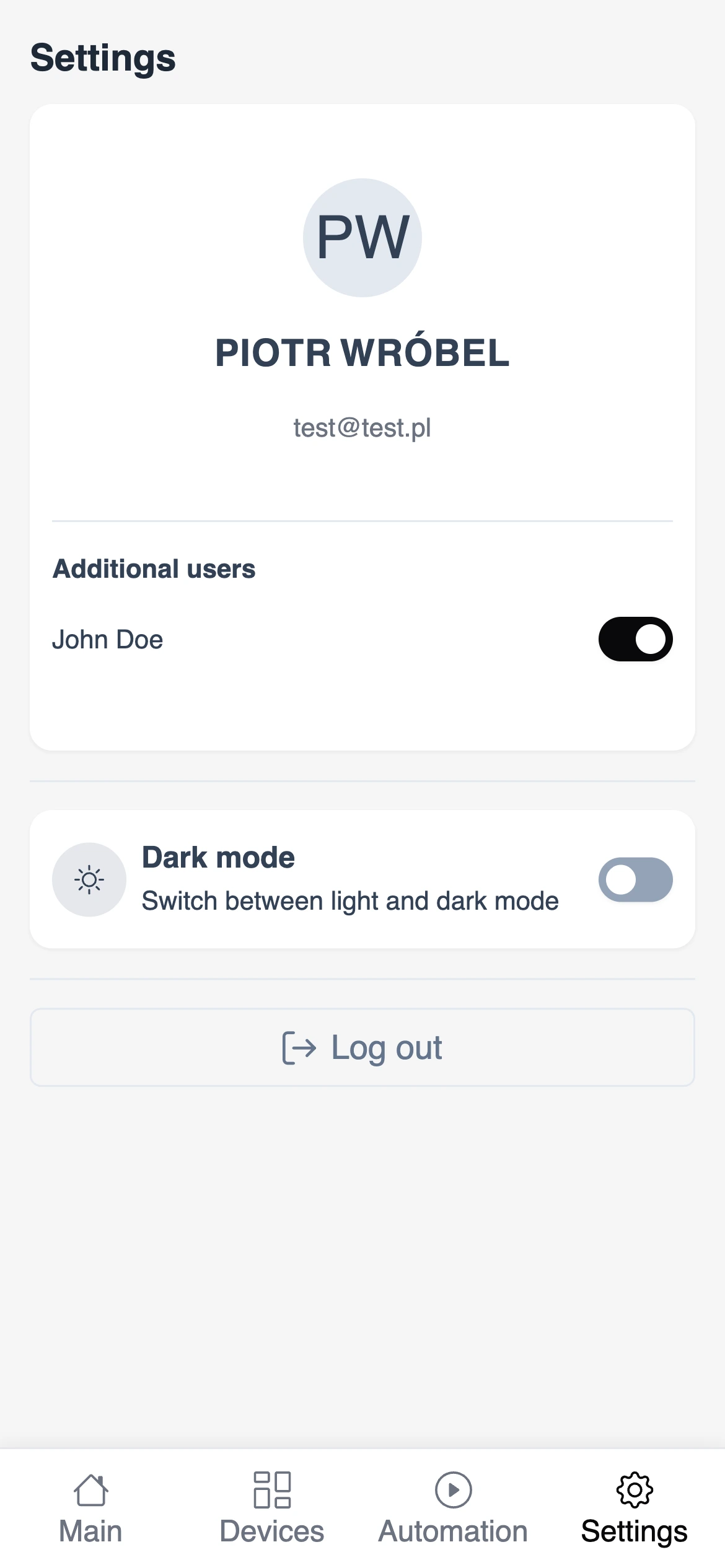
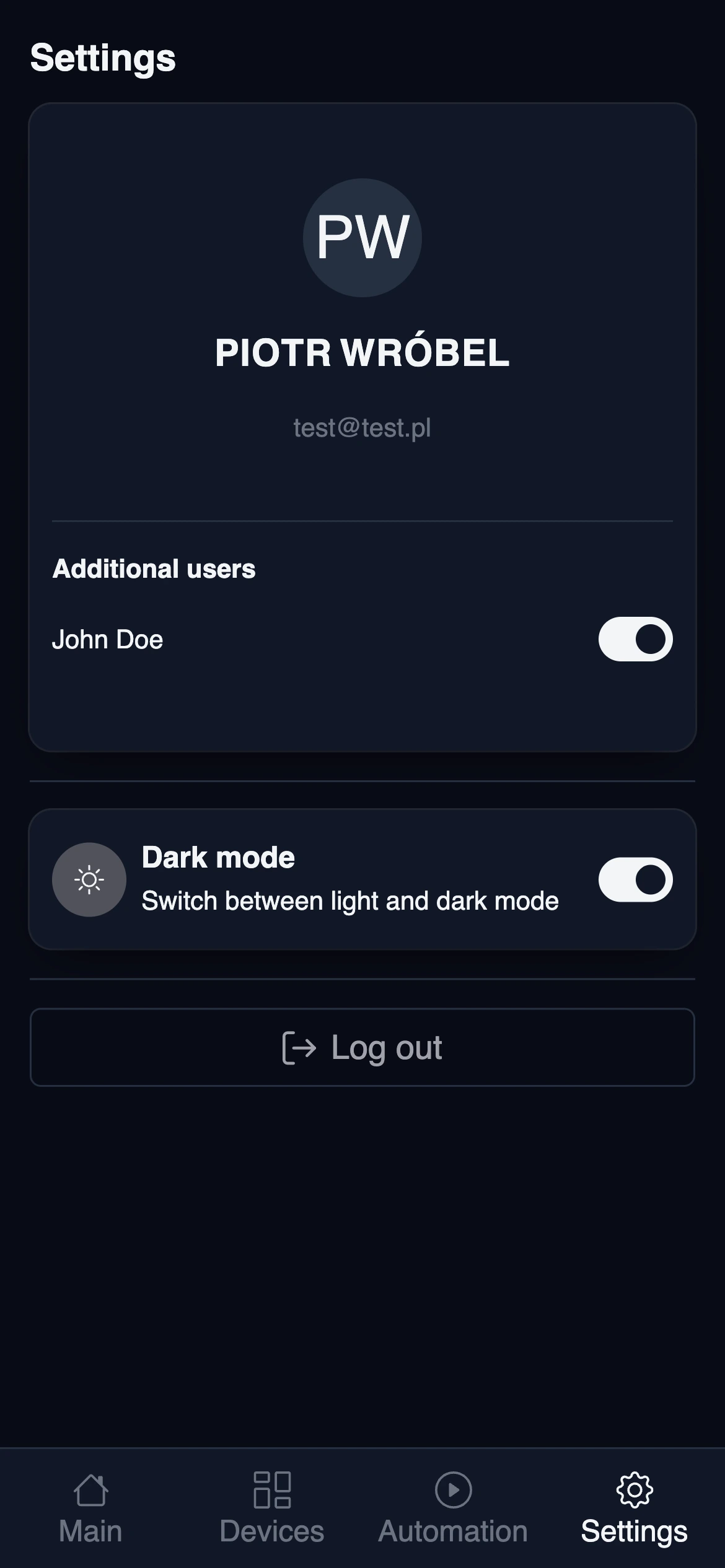
Current user configuration can be found in Settings menu at bottom of the screen.
Main user (owner)
The first user created in Sparrow Home is the main user. This user has the owner role of the system and can also manage other users, allowing them to be able to log in.
Adding Additional Users
If you wish to add additional users to Sparrow Home, click on the "Create account" link button on the login screen. You will be prompted to enter users data. The email must be unique and not already taken by another user, as it is used as a username.
After filling in the required information, click on the "Create account" button to create the new user.
In order to be able to log in, the owner must first activate the user account.
Managing Users
The owner can manage users in the system by navigating to the "Users" section in the settings menu. Here, you can see the list of all additional users in the system. You can also activate or deactivate user accounts, allowing or preventing them from logging in.