Add Device
Paring Zigbee Device
Sparrow Home allows you to pair Zigbee devices to your smart home network. Follow the steps below to add a new device.
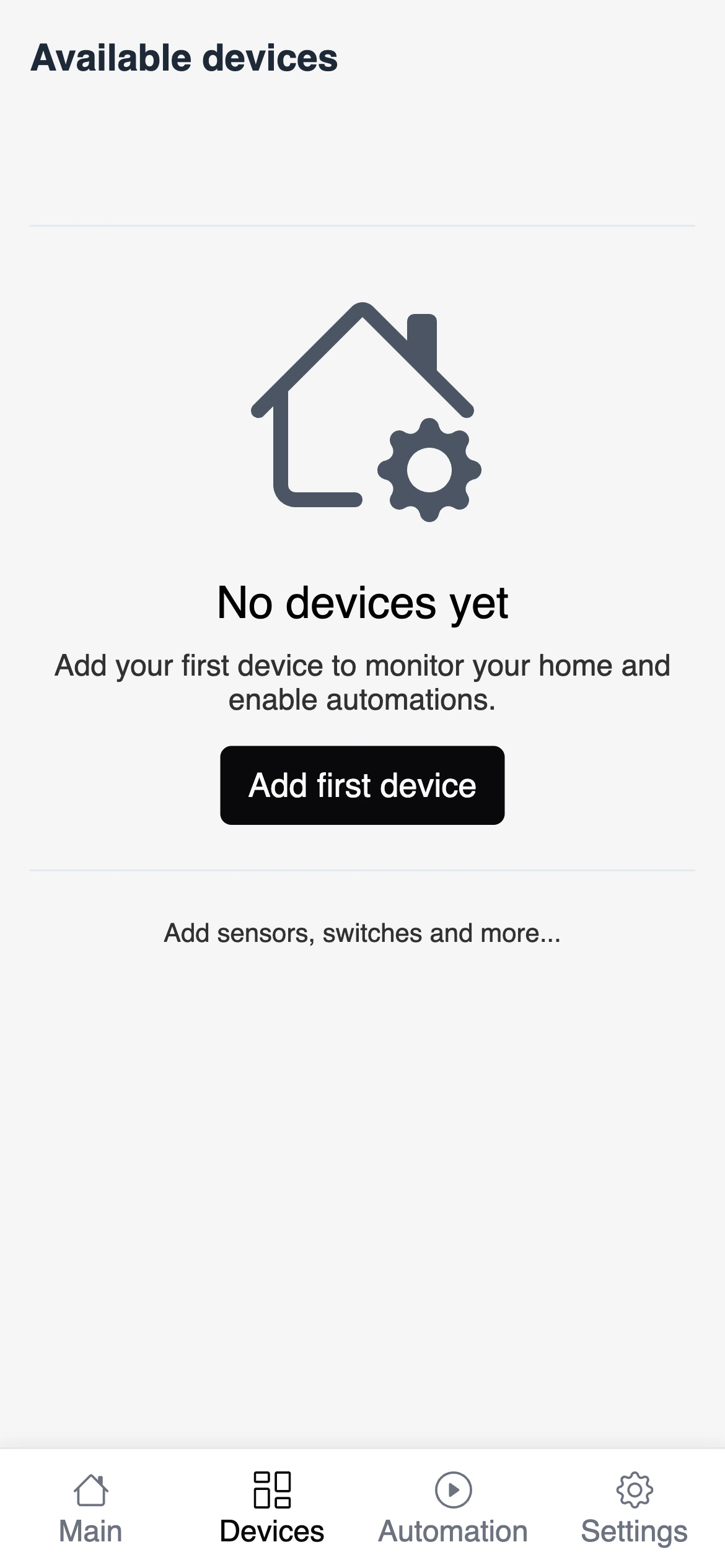
- Click on the "Add Device" button
- Provide the name and device type of the device and click on the "Connect" button.
info
You can select one of the few device types. In most cases you will choose to pair a Standard Device. Others are:
- Temperature Sensor
- Door sensor
- Siren
- Remote
The Connect button will start the pairing process. By default, the Zigbee network doesn't allow pairing requests from devices. This action enables this mode for 60 seconds. If the notification is completed successfully, you will see the success message on the screen.
info
Don't worry if your phone goes to sleep during the pairing process. The system will continue to wait for the device to connect until the timeout is reached.