Holiday Mode
Holiday Mode lets you control which automated actions can run while you are away. It helps prevent unnecessary device activity while keeping selected automations, such as security or device shutdown actions, running as usual.
How it works
Holiday Mode works on two levels:
- Holiday Mode is enabled globally for your home.
- Each automated action can be configured to run or be skipped while Holiday Mode is active.
When Holiday Mode is enabled, Sparrow Home executes only the automated actions that are allowed to run in this mode.
This gives you precise control over your automations without having to disable or modify entire schedules.
Setting up Holiday Mode
Open the Holiday Mode screen from the main dashboard and enable Holiday Mode.
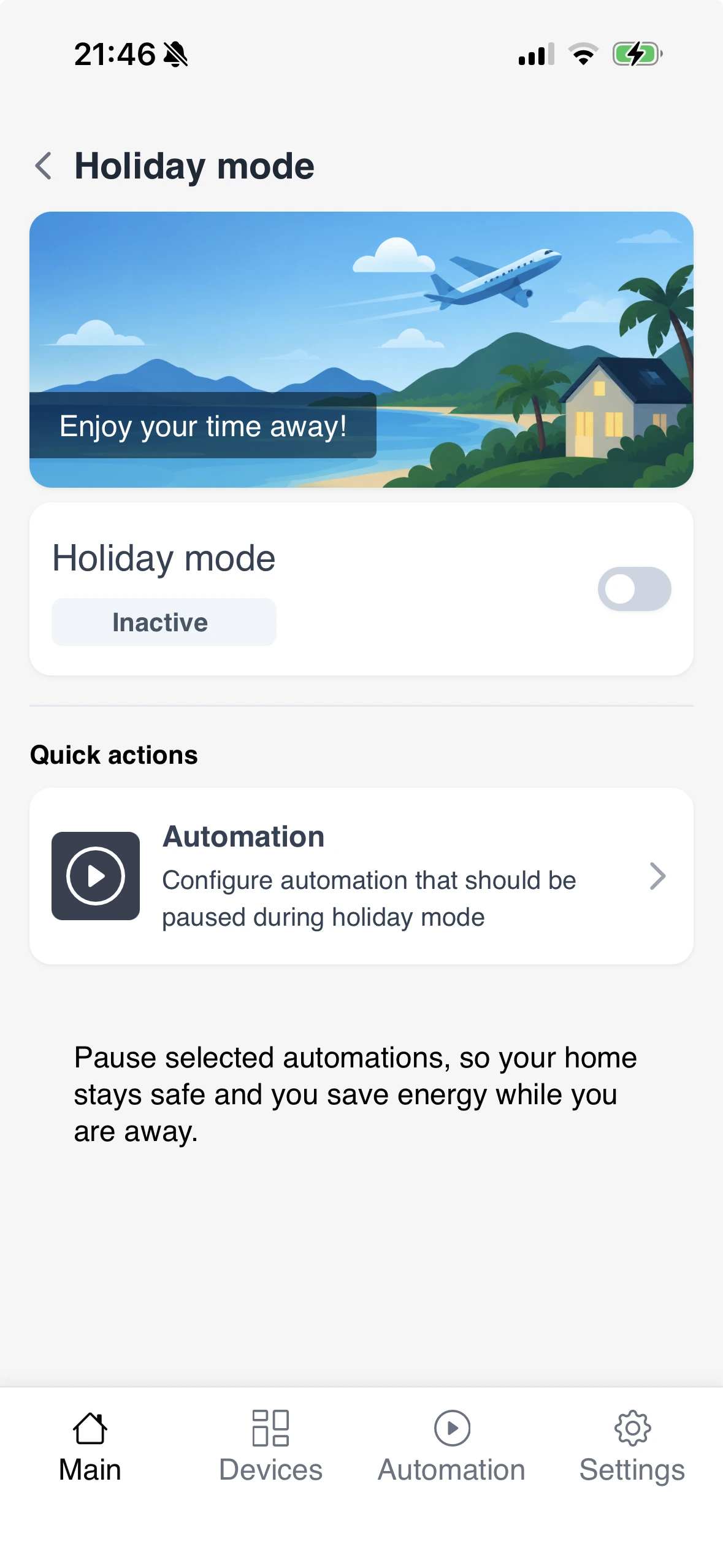
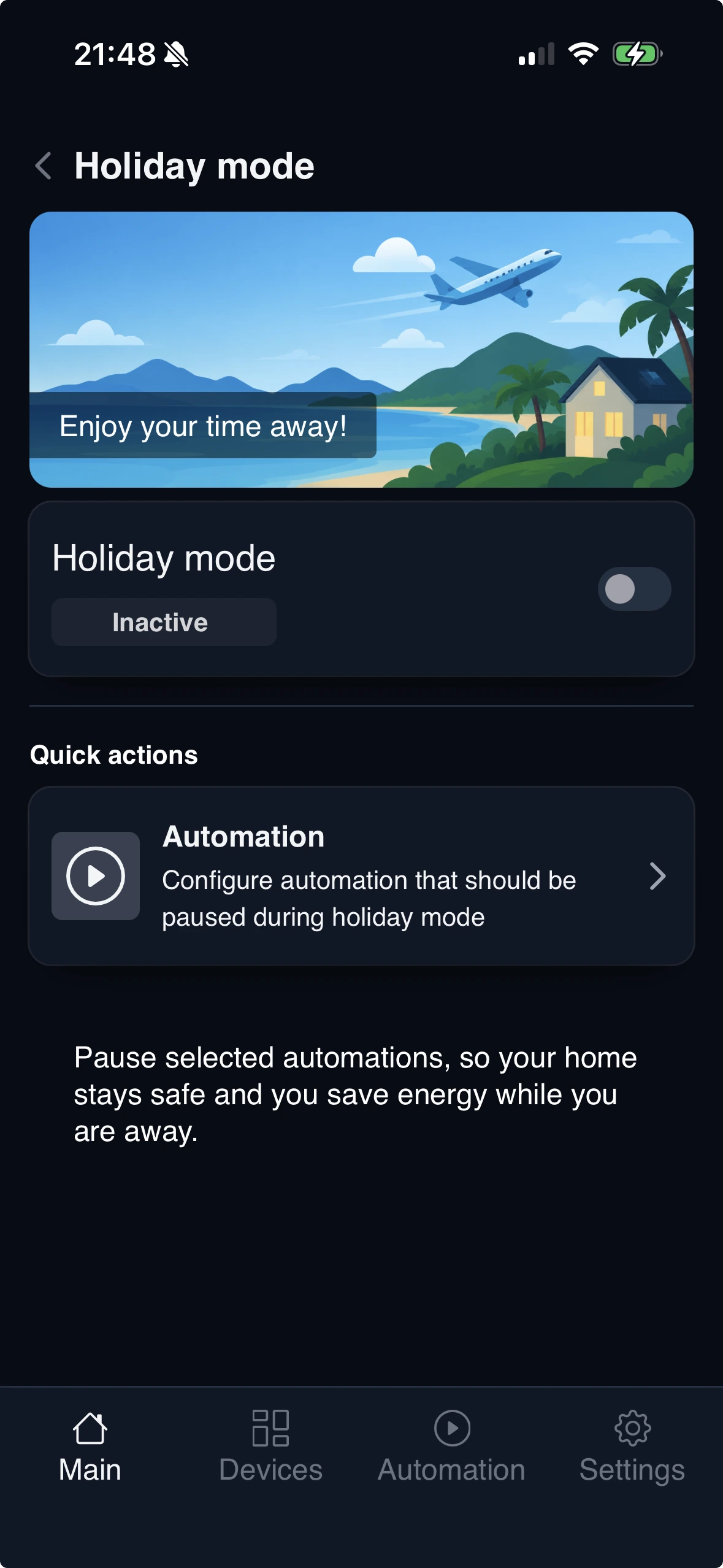
For each automated task, configure which actions are allowed to run while Holiday Mode is active.
For example, you may want to prevent a device from turning on while you are away, but still allow its scheduled Off action to run.
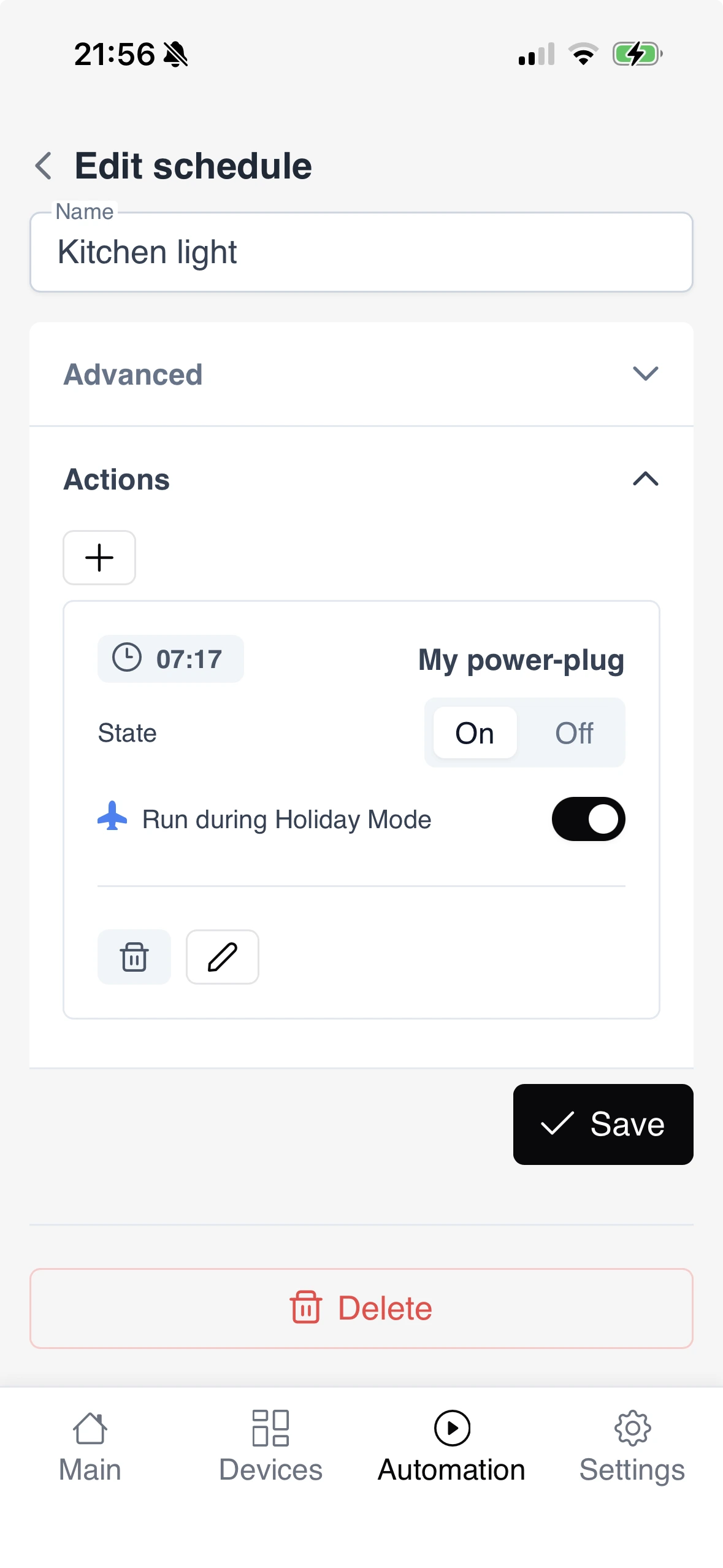
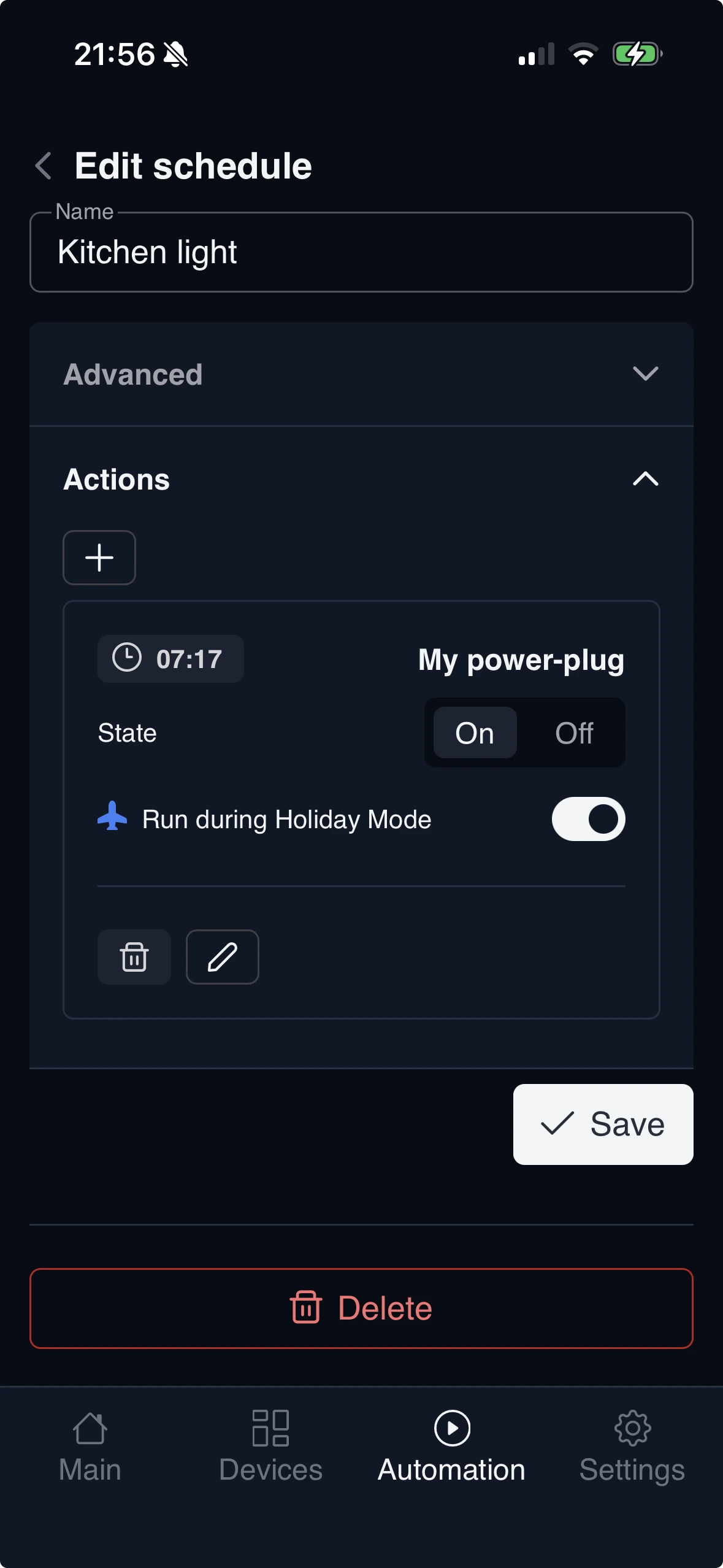
When Holiday Mode is active, automated actions that are not explicitly allowed to run in Holiday Mode will be skipped. Review your automated tasks before enabling Holiday Mode to make sure that important actions, such as turning devices off, are still allowed to run.