Theme mode
In the Sparrow Home application, you can set up theme mode. You can choose to set a dark or light theme. By default, the application will use the system's setting.
Setting up theme mode
To change the theme mode, go to Settings and select the desired theme mode:
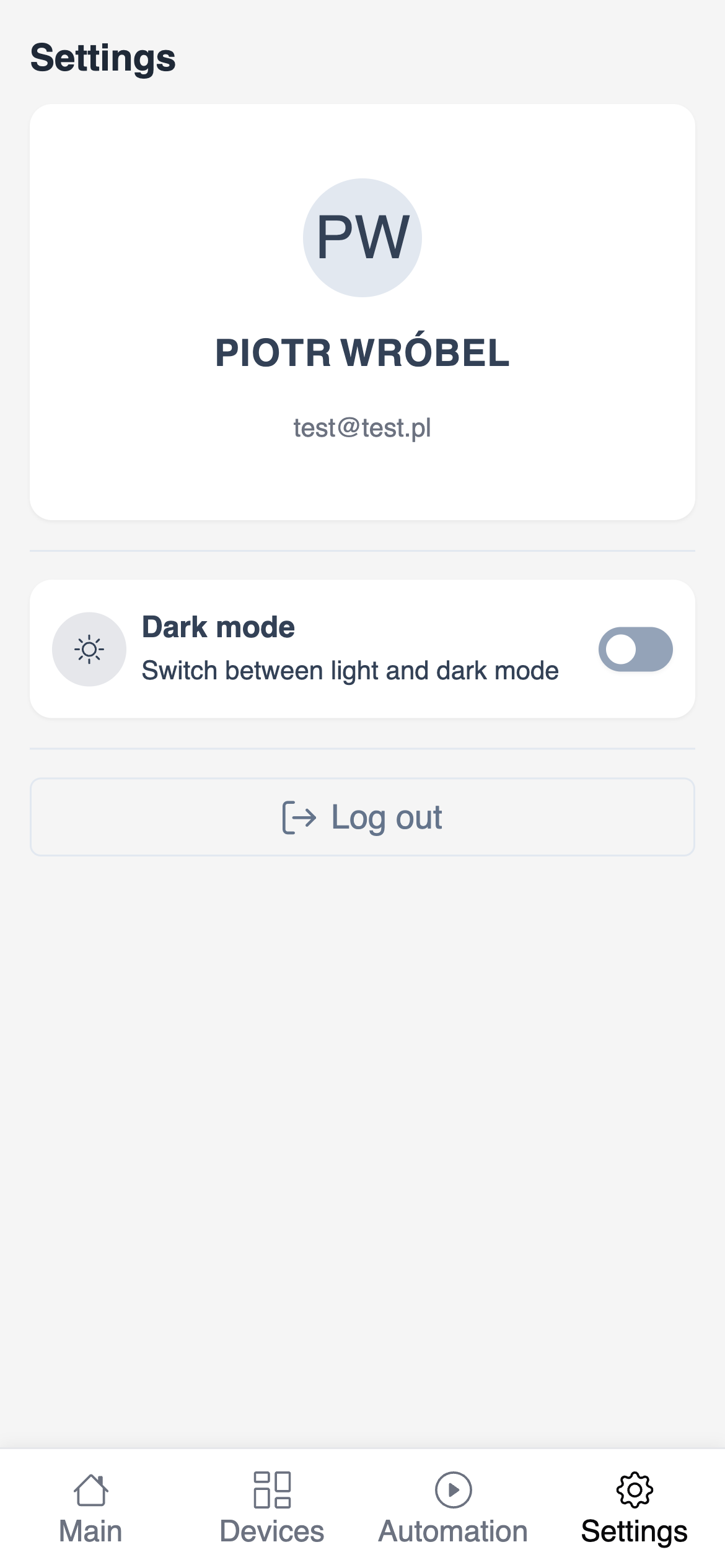
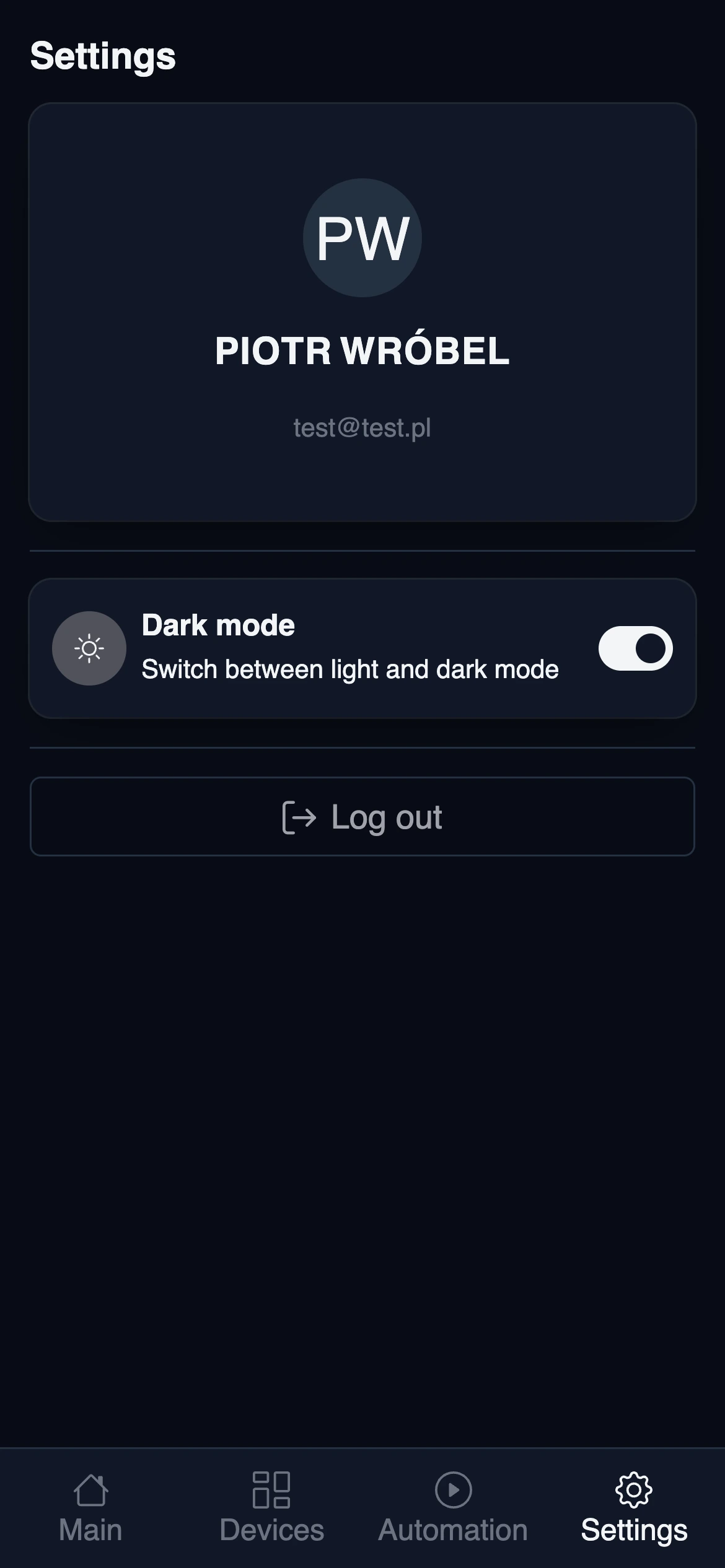
The application will remember your preference and use it from now on.